Upload of Reports
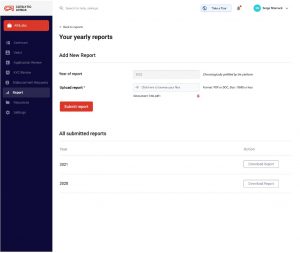
- As AfriLabs, Click on the Reports Menu
- Select AfriLabs Report, upload report, and Submit Report
- Click on Download Report to access all submitted reports
- ABAN, AfriLabs, and Funders have access to view and download all the data and reports on the platform
Review and Edit Reports
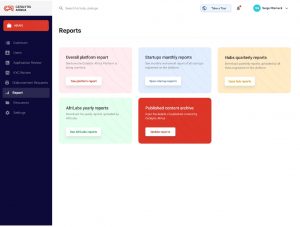
- Click on the report Module
- Select any of the entity reports to view
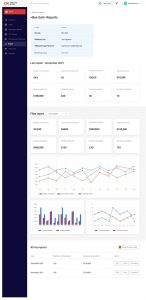
Open report to view, edit, and download
- ABAN reviews and edit report submitted by the entities
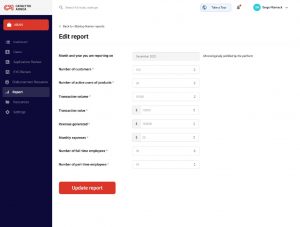
- Click on edit, adjust necessary information, and press update report.